


AI Anime
3.87.00 Reviews
App Specs
- Version
- 1.62
- Updated On
- License
- Free
- Downloads
- 50,000+
- Developer
- Picker Soft
- Categories
- Comics
- Platform
- Android
Screenshots
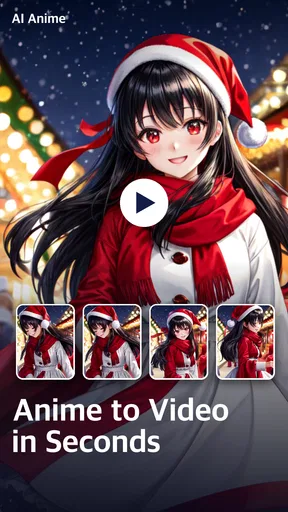
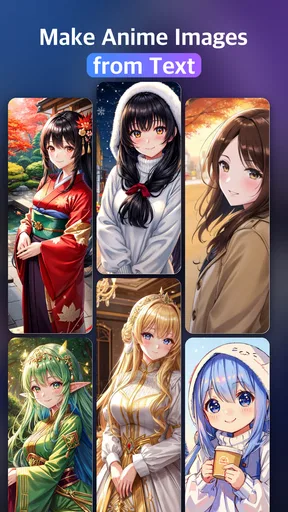
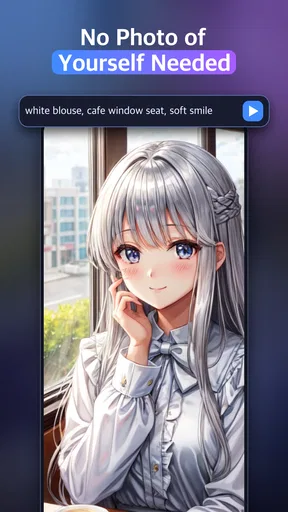
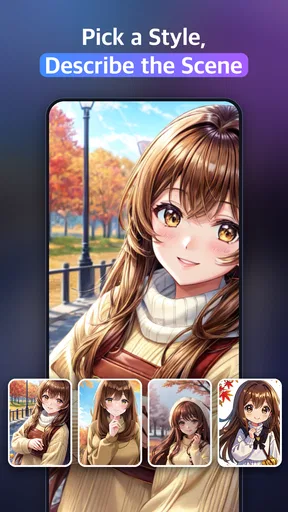
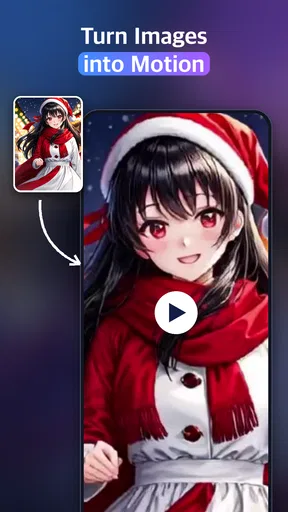
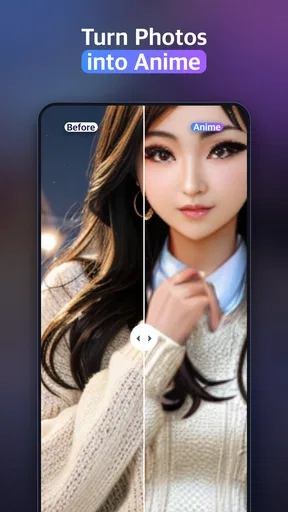
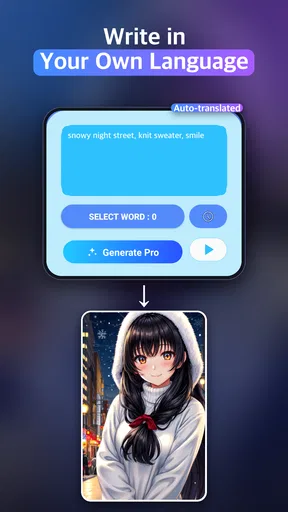
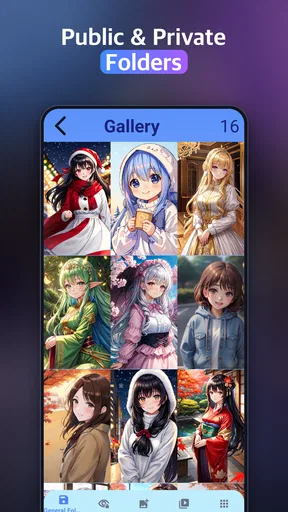
 Analysis by AppCompare
When I look at an AI art app, I pay attention not only to the image it can make but also to how comfortably different people can use it. AI Anime is a free comics app from Picker Soft, built around turning a written idea into anime-style imagery. Its appeal is easy to grasp: you describe what you want and see what the app can create. That makes it inviting for a quick creative experiment, though it is not the same as having a full drawing studio or a comic-making tool.
For someone who already has a character, mood, or scene in mind, writing a prompt can feel like a low-pressure way to explore visual ideas. I would approach it as a creative starting point rather than a promise of a finished illustration. The result depends on how the request is expressed, and the process suits curiosity and iteration better than exacting control.
Readable ideas, uncertain navigation
The central interaction—putting an idea into words—is straightforward in principle. It gives people who do not draw a way to participate in anime-inspired image making, and it can be less demanding than learning a conventional illustration app. At the same time, accessibility is not only about the basic idea. A person still needs to understand the available controls and decide how to refine a prompt, so the experience may be less clear for someone who finds unfamiliar interfaces difficult.
I would keep early prompts short and concrete: describe the subject, one visual detail, and the mood. For example, a user planning a character for a personal story might begin with a young traveler in a rainy city, then adjust the wording if the result misses the intended atmosphere. This small-step approach makes it easier to tell which part of the request needs changing, instead of rewriting a long description all at once.
Creative access without drawing skills
Text-led creation can be useful for people who have ideas but limited drawing experience, or who find detailed hand movements tiring. It also offers a different route for someone who prefers composing words to working with brushes and layers. I would not treat that as a substitute for every form of creative access: users still need to enter and revise text, and the app’s controls may matter just as much as the image generation itself.
There is a practical trade-off here. Compared with a traditional drawing app, the text-first approach lowers the barrier to producing an initial image, but it gives the user less direct control over every line and detail. Compared with a general-purpose AI image tool, the anime focus gives the experience a clearer aesthetic direction, while someone seeking a broader range of visual styles may prefer a less specialized option.
When and where it fits
I can see this app fitting into a short break, a character-design brainstorm, or a casual activity with a friend: write a scene, compare the result with the mental picture, and try a more specific description. It is less suited to situations where someone needs a reliable final asset on a deadline, where every detail must match a reference, or where long periods of screen interaction are uncomfortable. For a quick spark of inspiration, the looser process can be part of the fun; for precision, it can become frustrating.
Worth Reading Before You Choose

EA SPORTS FC Mobile 26 Is a Bigger Football Game, but It Takes Time

Flipboard Shows What News Apps Must Do Beyond the Feed

Switching to Android Auto Means Rethinking Your Driving Routine

Google Calendar Makes a Crowded Week Easier to Manage

Ludo King Makes the Most of the Minutes Between Plans

Baby Panda World Brings Quick Play to Modern Phones, but Its Game Library Feels Busy
The app is marked for Teen users, and its free entry point makes it approachable for trying the basic concept. There are also in-app purchases, so I would check the purchase prompts carefully before committing to anything. If you are exploring with a younger teen, it is sensible to agree beforehand whether purchases are allowed rather than assuming every part of continued use will remain free.
AI Anime has an average rating of 3.6 from around 222 ratings, with 50K+ installs. Those figures suggest a modest, established audience rather than a universal favorite. I would use them as context, not as a substitute for deciding whether prompt-based anime art matches your own needs.
A Dive into the World of AI and Anime
So, what exactly does AI Anime do? In simple terms, it’s an app that allows users to create anime-style artwork using AI technology. It’s designed to cater to both seasoned artists and complete beginners, making it accessible for everyone who shares a love for anime.
The user interface is sleek and intuitive. Upon launching the app, you're greeted with vibrant colors and an easy-to-navigate menu. I was impressed by how user-friendly it is, especially considering the complex technology powering it.
Getting Started with Your Masterpiece
Creating with AI Anime is as simple as uploading a photo or starting from scratch. The app provides a variety of templates and styles to choose from. Whether you’re into classic shōnen or prefer the aesthetic of a slice-of-life series, there’s something here for you.
The AI models work their magic almost instantly, transforming your input into a beautifully crafted anime piece. I tried uploading a photo of my cat, and within seconds, it was transformed into an adorable anime character ready to star in its own series!
For a more useful first attempt, I would treat each generation as a test of the wording rather than as a verdict on the idea. If a scene comes out unlike what you imagined, change one element at a time—such as the setting or the character’s expression—so you can judge what affected the result. This is a practical habit for any prompt-based workflow, especially when the goal is to develop a consistent character concept rather than simply enjoy a surprise image.
Customization and Creativity Unleashed
One of the standout features is the level of customization available. You can adjust features, experiment with different color palettes, and even add unique touches like accessories or backgrounds. The app encourages you to unleash your creativity, and trust me, it’s hard not to spend hours tweaking and perfecting your creation.
Moreover, the collaborative feature allows you to work with friends. This is perfect for group projects or just having fun creating with fellow anime enthusiasts. Sharing your work is seamless, with options to post directly on social media or save to your device.
Those possibilities sound appealing, but I would keep expectations grounded when a project depends on precise collaboration or a carefully controlled sequence of images. A generated picture can help a group agree on a character’s broad look, yet a prompt-based result is not automatically a finished panel or a consistent set of drawings. For a comic that needs repeatable poses, exact lettering, or detailed page composition, a dedicated drawing or layout tool is likely the better next step.
Learning Curve and User Experience
Now, let’s talk about the learning curve. Although it’s quite user-friendly, beginners might initially feel overwhelmed by the range of features. But fear not! The app includes helpful tutorials and tips to get you started. I found the community forums particularly useful, where other users share tips, tricks, and inspiration.
Performance-wise, the app runs smoothly, with minimal lag even on older devices. It’s available on both Android and iOS, ensuring a wide reach. The developers have done a great job optimizing it for different platforms.
Picker Soft’s current version is 1.62, and the minimum operating-system requirement is 8.0. If you are choosing a device for someone else, checking that requirement first is a simple way to avoid an unnecessary installation problem. The app is free to try, while individual in-app purchases range from $2.49 to $35.99, so I would pay attention to the cost attached to any optional purchase and decide whether the creative use justifies it.
There are a few questions I would settle before relying on it for a particular task. Can it give you the exact image you pictured? I would not count on that; descriptive prompts can guide a result, but they do not offer the same certainty as drawing each element yourself. Is it a good choice for someone who wants to make art without typing? Probably not, since describing the idea is central to the experience. And is it the right app for a polished comic? It can help explore a visual concept, but a specialist illustration or page-layout app offers more direct control when precision is the priority.
Final Thoughts
In conclusion, AI Anime is more than just an app; it’s a gateway to a world where art meets technology. It’s perfect for anyone looking to explore their artistic side or just have fun turning everyday photos into anime art. Whether you’re a die-hard anime fan or just curious about AI, this app is definitely worth a try.
So, if you’re ready to dive into creating your anime universe, download AI Anime and start your adventure today. Trust me, once you start, it’s hard to stop!
My recommendation is to try it when you want an approachable anime-inspired experiment, a playful image prompt, or a visual starting point for a character idea. I would skip it if you need dependable fine-grained control, a drawing workflow built around accessibility preferences, or a complete comic production tool. The app’s Teen rating, free starting point, and focused anime premise make it easy to understand who might enjoy it; the prompt-led nature and optional purchases are worth weighing before it becomes part of a regular creative routine.
Pros
- High-quality anime-style art generation.
- User-friendly interface for easy navigation.
- Fast processing with minimal wait times.
- Regular updates with new features.
- Offline mode available for premium users.
Cons
- Limited free features
- requires subscription.
- Occasional glitches in image rendering.
- No community feature for sharing creations.
- Lacks diversity in art styles.
- Requires strong internet for optimal use.
FAQs for AI Anime
What features does AI Anime offer?
AI Anime provides a suite of features designed to transform your photos into anime-style images. Users can choose from various art styles, apply filters, and even customize facial expressions. The app also offers options for background adjustments and character enhancements, making it a comprehensive tool for anime enthusiasts.
Is AI Anime free to use?
AI Anime offers a free version with basic features, allowing users to create anime-style images with limited options. However, for access to the full range of features, including premium filters and styles, a subscription or one-time purchase may be required. It’s advisable to check the app store for current pricing details.
How does AI Anime handle user privacy?
AI Anime prioritizes user privacy by ensuring that uploaded photos are processed securely. The app does not store personal data or photos unless explicitly permitted by the user. It's important to review the app’s privacy policy to understand how your data is managed and to ensure your comfort with its practices.
What are the system requirements for AI Anime?
AI Anime is compatible with both Android and iOS platforms. For optimal performance, it requires Android version 5.0 or higher and iOS version 11.0 or later. The app also functions best on devices with a minimum of 2GB RAM to ensure smooth processing of images and application of effects.
Can AI Anime be used offline?
While AI Anime does offer some offline functionality, such as basic photo editing, many advanced features require an internet connection. This is necessary for accessing the latest filters, styles, and updates. Therefore, for full functionality, it's best used with a stable internet connection.


